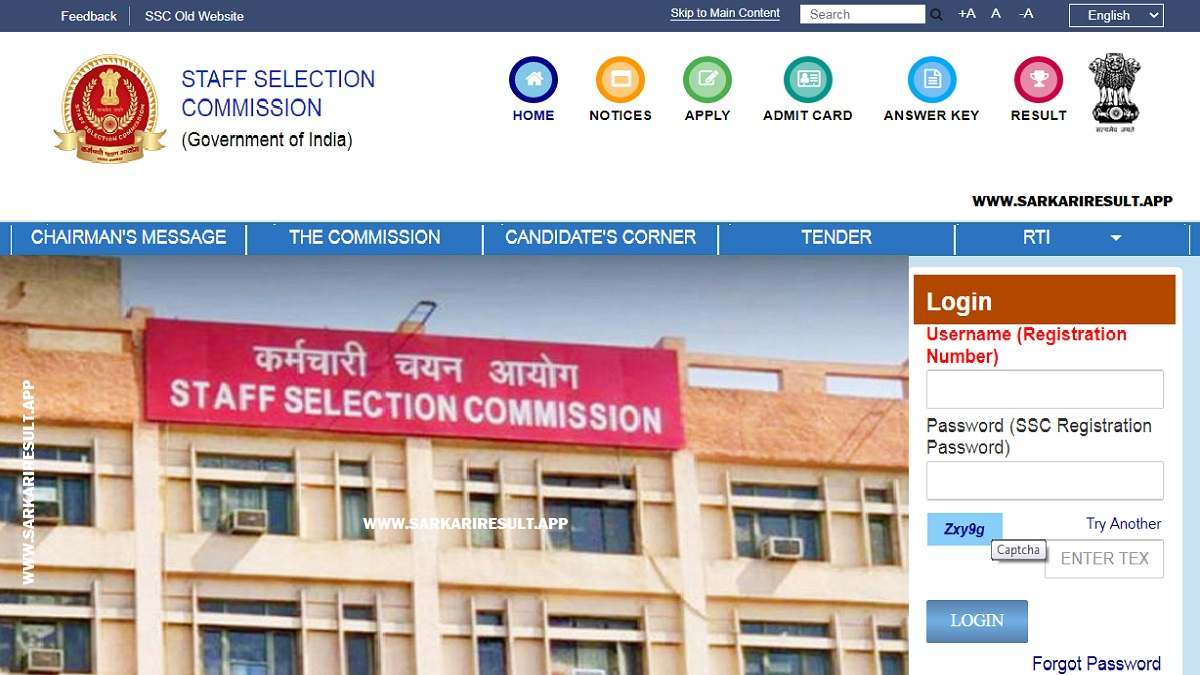
Name of Examination: Multi-Tasking (Non-Technical) Staff & Havaldar (CBIC & CBN) Examination 2025 | Exam Mode: Computer Based Examination (CBE)
Short Information: The Staff Selection Commission (SSC) has issued an important notice regarding Self Slot Selection for the Computer Based Examination of Multi-Tasking (Non-Technical) Staff and Havaldar (CBIC & CBN) Examination, 2025. As per the official notice dated 16 January 2026, candidates can select their examination city and date block through the SSC candidate portal within the prescribed time period.
Staff Selection Commission (SSC)
SSC MTS & Havaldar Examination 2025
Self Slot Selection Notice Out
Important Dates
- Notice Release Date: 16 January 2026
- Slot Selection Start Date: 16 January 2026
- Last Date for Slot Selection: 25 January 2026 (11:00 PM)
- Last Date for Willingness Confirmation (Feedback Module): 28 January 2026 (11:00 PM)
- City Information Live Date: 30 January 2026
- Exam Start Date: 04 February 2026 onwards
Examination Details
- Exam Name: MTS & Havaldar Examination 2025
- Exam Mode: Computer Based Examination (CBE)
- Conducting Authority: Staff Selection Commission (SSC)
Slot Selection Details
- Candidates can choose examination city and block of dates as per availability.
- Slot selection must be done by logging into the SSC Candidate Portal.
- Once submitted, the selected slot will be final and cannot be changed.
- No representation regarding slot change will be entertained by SSC.
Important Instructions
- Admission Certificates will be generated 2–3 days before the exam date.
- Candidates who fail to select a slot can confirm willingness through the Feedback Module.
- If a candidate fails to complete both steps, their Admit Card will not be generated.
- Final slot allocation decision will be taken by SSC on a best effort basis.
Follow Sarkari Result App for the Latest Updates
WhatsApp
Join Now
 Arattai
Join Now
Arattai
Join Now
Telegram
Join Now
Instagram
Follow us
𝕏
(Twitter)
𝕏 Follow us
Facebook
Like Page
How to Do SSC MTS & Havaldar Slot Selection 2026
- Visit the official SSC candidate portal.
- Login using your Registration Number and Password.
- Click on the Self Slot Selection option.
- Select your preferred Examination City and Date Block.
- Submit the details carefully.
- Download or note the confirmation for future reference.
Candidates Are Advised to check Direct Slot Book Link and read the Official Notice Carefully