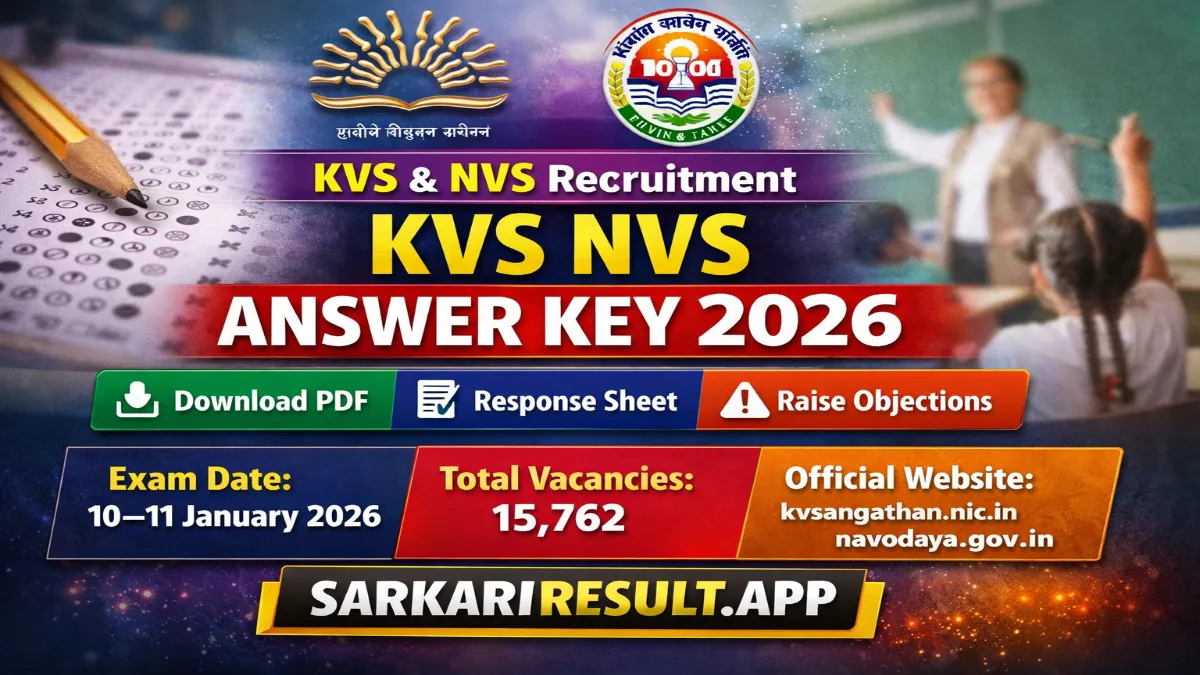
Name of Post: Teaching & Non-Teaching Posts (PRT, TGT, PGT, Principal, Vice Principal, Librarian, JSA, MTS etc.) | Total Posts: 15762 | Application Mode: Online
Short Information: The (KVS) and (NVS), conducted by CBSE, has released the KVS NVS Teaching & Non-Teaching Answer Key 2026 on 31 January 2026.
Candidates who appeared in the Tier-1 examination held on 10–11 January 2026 can now download the provisional answer key, check response sheets, and raise objections through the official websites.
Kendriya Vidyalaya Sangathan (KVS) & Navodaya Vidyalaya Samiti (NVS)
KVS NVS Teaching & Non-Teaching Answer Key 2026
OMR Sheet & Provisional Answer Key Details
Important Dates
- Exam Conducted: 10 – 11 January 2026
- Provisional Answer Key Released: 31 January 2026
- Last Date for Objection: Check Official Portal
- Result Declaration: To Be Updated
Exam Overview
- Recruiting Bodies: KVS & NVS
- Post Type: Teaching & Non-Teaching
- Total Vacancies: 15762 (KVS: 9921 | NVS: 5841)
- Answer Key Status: Released
Posts Covered
- PRT / TGT / PGT
- Principal / Vice Principal
- Librarian
- Junior Secretariat Assistant (JSA)
- Multi Tasking Staff (MTS)
- Other Teaching & Non-Teaching Posts
Answer Key Details
- Type: Provisional Answer Key
- OMR Response Sheet: Available
- Objection Facility: May Be Available
- Final Answer Key: After Objection Review
How to Download KVS NVS Answer Key 2026
- Visit the official website – kvsangathan.nic.in or navodaya.gov.in
- Open the Recruitment / Results / Answer Key section.
- Click on “Public Notice for OMR Sheet & Answer Keys 2026”.
- Login using Registration Number & Date of Birth / Password.
- View your OMR response sheet and provisional answer key.
- Download the PDF and save it for future reference.
How to Raise Objection Against Answer Key
- Login to the candidate portal on the official website.
- Go to the Challenge / Objection section (if enabled).
- Select the question(s) you want to challenge.
- Upload valid supporting documents, if required.
- Pay the objection fee (if applicable).
- Submit the objection before the deadline.
Note: Objections submitted after the closing date will not be accepted.
How to Calculate Score Using Answer Key
- Total Score = (Correct Answers × Marks) – (Wrong Answers × Negative Marks)
- Correct Answer: +1 Mark (as per usual pattern)
- Wrong Answer: -0.25 Mark (if negative marking applicable)
- Unattempted Question: 0 Mark
Interested Candidates Can Read the Full Notification Before Downloading the Answer Key