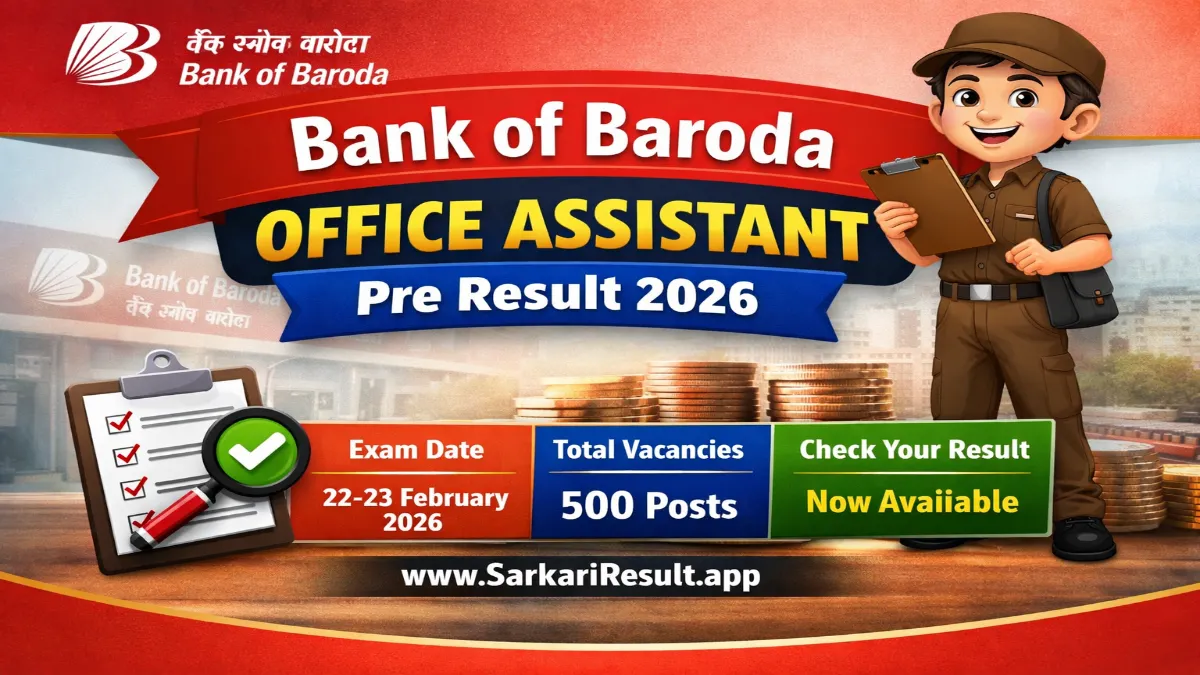
Name of Post: Office Assistant (Peon) | Total Posts: 500 | Application Mode: Online
Short Information: The Bank of Baroda (BOB) has released the Pre Result for Office Assistant (Peon) posts whose examination was conducted on 22 – 23 February 2026. The online application process started on 03 May 2025 and the last date to apply was 23 May 2025. Candidates who appeared in the exam can now check their Pre Result using their Enrollment Number / Registration Number / DOB through the official website.
Bank of Baroda (BOB)
BOB Office Assistant (Peon) Result 2026
Pre Result 2026 Notification Details
Important Dates
- Short Notice Date: 02 May 2025
- Start Date to Apply Online: 03 May 2025
- Last Date to Apply Online: 23 May 2025
- Last Date for Fee Payment: 23 May 2025
- Admit Card: 15 February 2026
- Exam Date: 22 – 23 February 2026
- Result Date: 11 March 2026 (Available Now)
Application Fee
- General / OBC / EWS: ₹600/-
- SC / ST / Women: ₹100/-
- PH Candidates: ₹100/-
- Payment Mode: Debit Card / Credit Card / Internet Banking / IMPS / Cash Card / Mobile Wallet
Age Limit (As On 01 May 2025)
- Minimum Age: 18 Years
- Maximum Age: 26 Years
- Age relaxation as per Bank of Baroda recruitment rules.
Eligibility
- Candidates must have passed the Class 10 (Matric) examination from any recognized board in India.
- Candidates should have knowledge of the local language of the state / union territory where they are applying.
Total Posts
- 500 Posts
Follow Sarkari Result App for the Latest Updates
WhatsApp
Join Now
 Arattai
Join Now
Arattai
Join Now
Telegram
Join Now
Instagram
Follow us
𝕏
(Twitter)
𝕏 Follow us
Facebook
Like Page
Bank of Baroda Office Assistant Recruitment 2025: Vacancy Details
How To Check & Download Bank of Baroda Office Assistant Pre Result 2026
- Visit the official website – bankofbaroda.in
- Go to the Careers / Recruitment section on the homepage.
- Click on the Current Openings / Recruitment Notifications link.
- Find the notification for Office Assistant (Peon) Recruitment 2025.
- Click on the Pre Result / Result Link.
- Enter your Registration Number / Enrollment Number / Date of Birth.
- Submit the details to view your result.
- Download and take a printout of the result for future reference.
Interested Candidates Can Read the Full Notification Before Checking the Result