Name of Post: Non-Teaching (Non-Faculty) Stage-I Screening Test | Total Posts: 58 | Admit Card Mode: Online
Short Information: Dr. B. R. Ambedkar National Institute of Technology (NIT), Jalandhar has released the NIT Jalandhar Non-Teaching Admit Card 2026 on 17 January 2026. Candidates who have applied for the Non-Faculty Recruitment (Advertisement No. 01/2025 to 12/2025) can download their admit card from the official website nitj.ac.in. The Computer Based Stage-I (Screening Test) will be conducted from 29 to 31 January 2026 at various examination centers. Admit card is mandatory to appear in the examination.
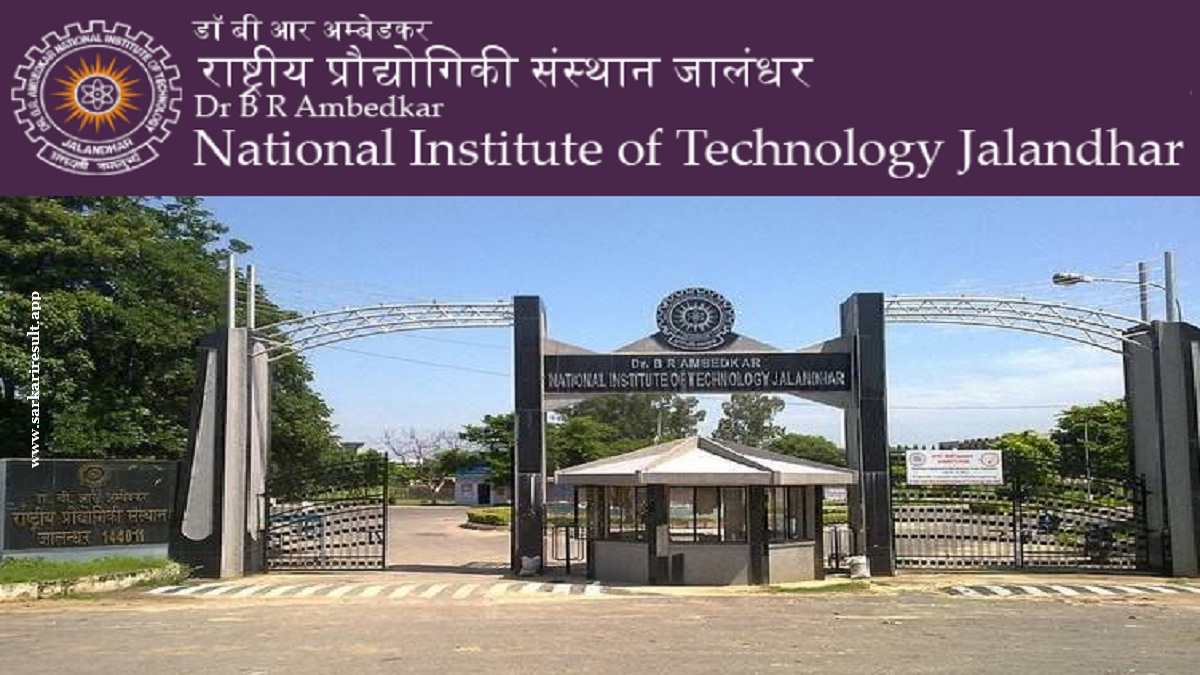
Dr. B. R. Ambedkar National Institute of Technology, Jalandhar
NIT Jalandhar Non-Teaching Admit Card 2026
Stage-I Screening Test Notification
Important Dates
- Admit Card Release Date: 17 January 2026
- Exam Date: 29 – 31 January 2026
Exam Details
- Exam Name: Non-Faculty Stage-I (Screening Test) 2026
- Advertisement No.: 01/2025 to 12/2025
- Total Vacancies: 58 Posts
- Exam Mode: Online (Computer Based Test)
Important Instructions
WhatsApp
Join Now
 Arattai
Join Now
Arattai
Join Now
Telegram
Join Now
Instagram
Follow us
𝕏
(Twitter)
𝕏 Follow us
Facebook
Like Page
- Admit card is compulsory to enter the examination hall.
- Candidates must check all details printed on the admit card carefully.
- Carry a valid photo ID proof along with the admit card on exam day.
- Reach the examination center well before the reporting time.
Follow Sarkari Result App for the Latest Updates
WhatsApp
Join Now
Arattai
Join Now
Telegram
Join Now
Instagram
Follow us
𝕏
(Twitter)
𝕏 Follow us
Facebook
Like Page
How to Download NIT Jalandhar Non-Teaching Admit Card 2026
- Visit the official website – nitj.ac.in
- Go to the Recruitment / Latest Announcements section.
- Click on the Admit Card link for Non-Faculty Recruitment (Advt. 01/2025 to 12/2025).
- Enter Application/Registration Number and Password / Date of Birth.
- Fill the Captcha Code (if required).
- Click on Login / Download Admit Card.
- Download the admit card PDF.
- Take 2–3 printouts for future reference.
Interested Candidates Can Read the Full Notification Carefully