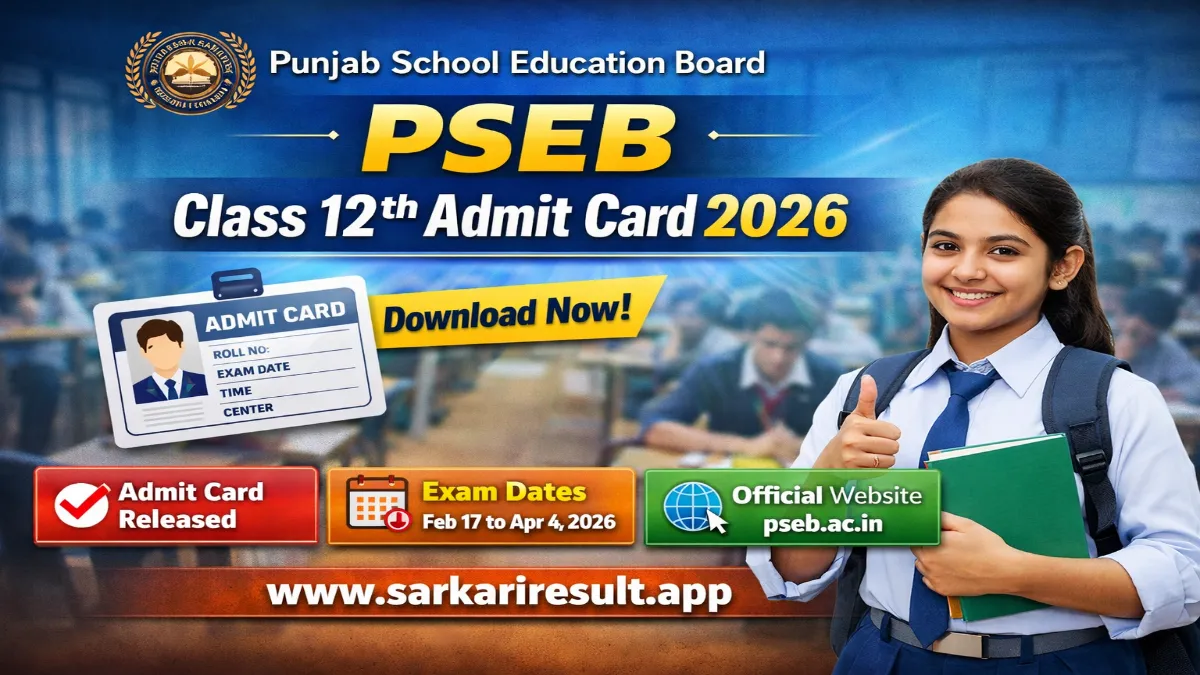
Name of Post: PSEB Class 12th Admit Card 2026 | Class: Senior Secondary (12th) | Download Mode: Online / School Login
Short Information: The Punjab School Education Board (PSEB) has officially released the Class 12th Admit Card 2026 for the Senior Secondary Examination. Private candidates can download their admit card online from 04 February 2026, while r egular students must collect their hall tickets from their respective schools. The admit card contains important details such as exam date, time, exam center, and instructions.
Punjab School Education Board (PSEB)
PSEB Class 12th Examination 2026
Senior Secondary Admit Card Notification Details
Important Dates
- Admit Card Release Date: 04 February 2026
- Class 12th Exam Start Date: 17 February 2026
- Last Exam Date: 04 April 2026
Admit Card Status
- Status: Released
- Download Mode: Online (Private) / School Login (Regular)
Exam Details
- Exam Name: Class 12th Examination 2026
- Class: Senior Secondary (12th)
- Board: PSEB
Official Website
- pseb.ac.in
Important Instructions
- Admit card is mandatory to appear in the examination.
- Check all details carefully such as name, roll number, exam center.
- Carry a valid photo ID along with admit card on exam day.
Note for Regular Students
WhatsApp
Join Now
 Arattai
Join Now
Arattai
Join Now
Telegram
Join Now
Instagram
Follow us
𝕏
(Twitter)
𝕏 Follow us
Facebook
Like Page
- Regular students cannot download the admit card individually.
- School principals/head will download, sign, and distribute admit cards.
- Admit cards will be provided at least one week before the exam.
How to Download PSEB Class 12th Admit Card 2026
For School Authorities (Regular Students):
- Visit official website – pseb.ac.in
- Login using school username, password, and session.
- Click on Class 12th Admit Card download link.
- Download, print, sign, and distribute to students.
For Private Candidates:
- Go to official website pseb.ac.in
- Click on “Admit Card / Roll Number” link.
- Select batch and enter required details.
- Download admit card and verify all details.
- Take 2–3 printouts for exam use.
Interested Candidates Can Check Admit Card Details Before Examination